Why Users Cancel AI Tasks Before the First Result Arrives
Users cancel before AI results arrive. Diagnose latency, unclear progress and lost control, then test fixes that improve AI product adoption.
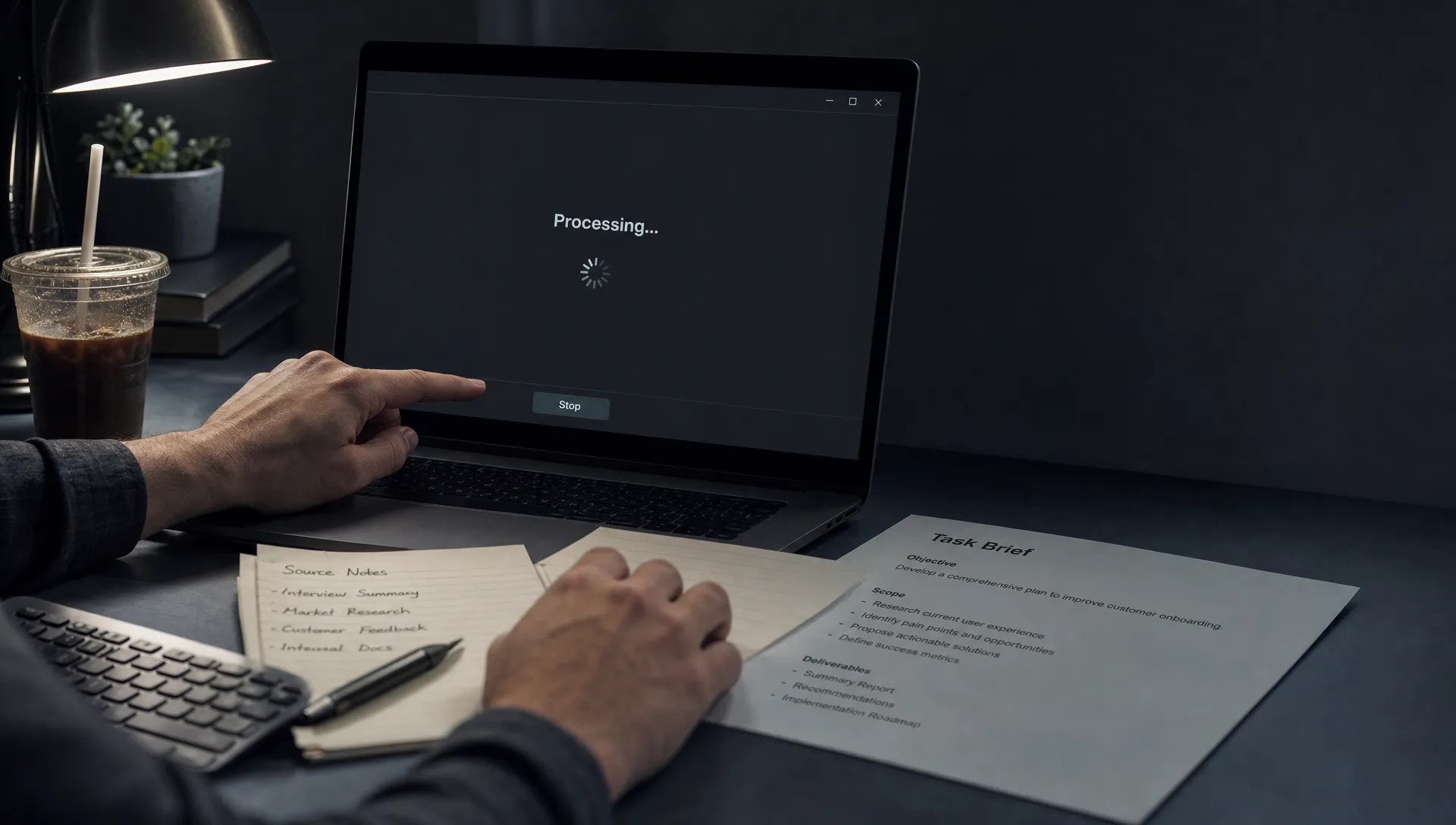
Users submit a task, watch the loading state, then hit Stop before anything useful appears. Your team sees cancellations and concludes the model needs to be faster. Sometimes it does. But this AI product adoption problem can also come from unclear progress, unexpected scope or uncertainty about whether leaving the page will lose the work.
The diagnostic question is not simply how long users waited. It is what made continuing feel less worthwhile than stopping. Those are different problems, and they need different fixes.
Find out what the cancellation actually means
A cancellation event tells you that someone stopped a task. It does not tell you why. Even its timing is only a clue: an immediate stop might mean an accidental submission, concern about the selected context or a task that looked frozen from the start.
Use these patterns to form hypotheses, then check them against session behavior and user feedback.
| Observed pattern | Possible cause | Evidence to check | Response to test |
|---|---|---|---|
| Stops cluster immediately after submission | Users notice the wrong scope or inputs | Context changes and corrected resubmissions | Confirm scope before execution |
| Stops cluster during long, silent waits | Users cannot tell whether work is advancing | Actual task state compared with visible status | Show truthful milestones |
| Stops increase on slower runs of the same task | Waiting exceeds the task’s perceived value | Cancellation timing within comparable task types | Reduce latency or offer a smaller first result |
| Users leave the page but later return | The task does not justify blocking their workflow | Continued execution and later result use | Support background work where feasible |
| Returning users cancel more readily | Previous results lowered their willingness to wait | Earlier output use, rejection and correction history | Investigate expected usefulness, not just speed |
Treat these as competing explanations. A spinner replacement will not fix a task that users expect to produce unusable work.
Measure the interval users actually experience
Server execution time is not the same as user waiting time. A request can sit in a queue, finish before the interface updates or produce content that remains hidden behind a loading screen.
Instrument the sequence from submission to the first visible, useful result. Capture task submission, server acceptance, meaningful progress, first useful content rendered, explicit stop requested and completion. Keep a task identifier across those events so you can reconstruct what happened.
Define “useful” for the task. For a document comparison, it might be the first complete difference a user can inspect. A blinking cursor, status message or incomplete opening phrase is not necessarily useful output.
Keep explicit cancellation separate from navigation, connection loss and an unresolved session. Leaving a tab does not prove the user wanted execution stopped. Also record whether content was visible when Stop was pressed, not merely whether the server had generated it.
Report cancellation timing alongside latency percentiles and the share of tasks that never reach visible output. Latency measured only on successful completions leaves out the users whose waits ended badly.
Match the intervention to the diagnosed break
When users cannot tell whether the task is advancing
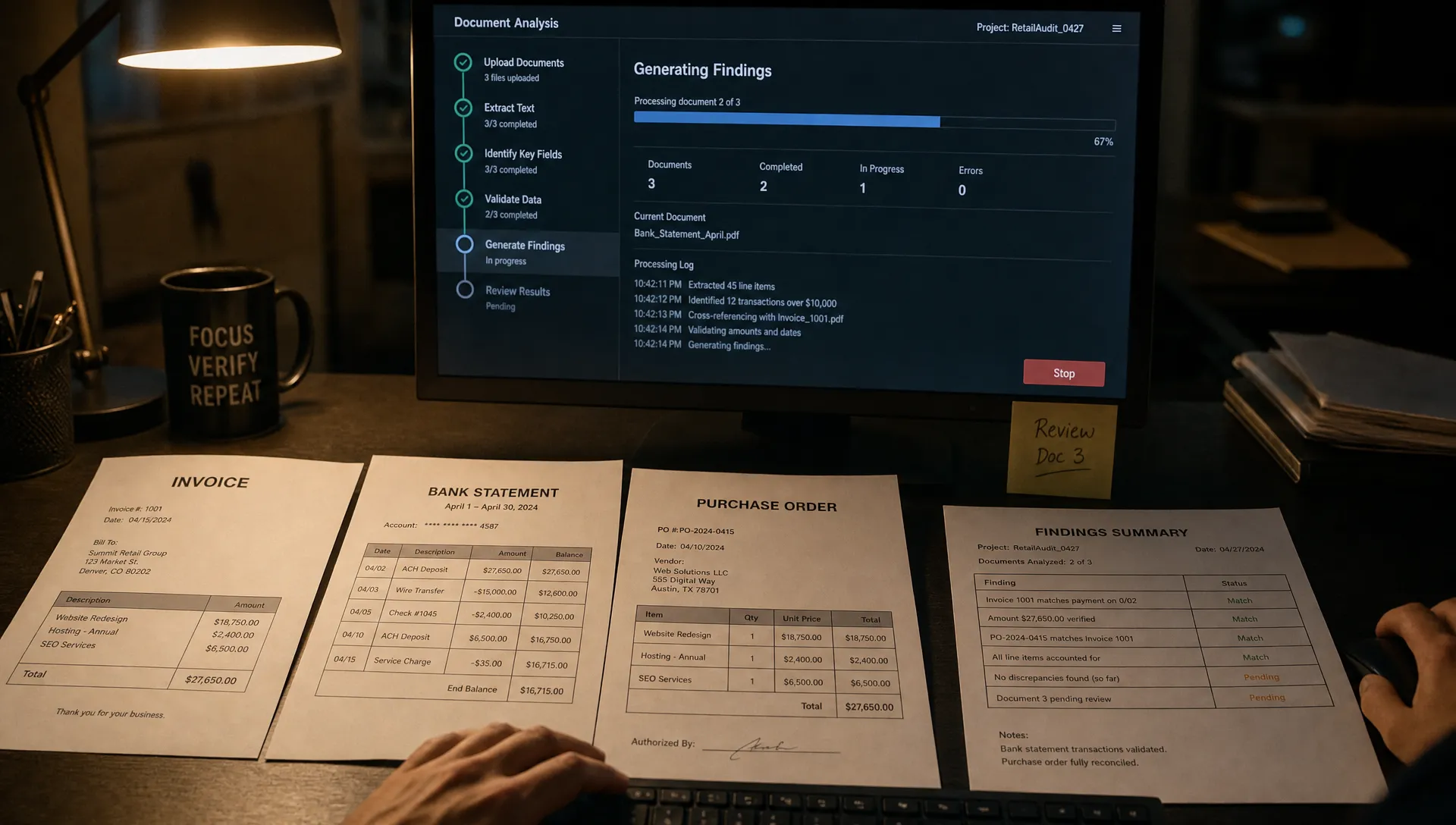
Show real milestones that explain what the system is doing. “Reading the three selected documents” provides more information than “Thinking,” provided that description reflects actual execution.
Do not invent percentages or rotate through reassuring messages on a timer. False progress creates a second trust problem when a task stalls after appearing almost finished.
If you have reliable duration estimates for comparable tasks, show a range and acknowledge when the task exceeds it. Otherwise, name the current stage without promising a finish time you cannot support.
The test is whether users can distinguish a healthy wait from a stalled task, not whether the loading state looks busier.
When users need evidence before committing more time
A smaller, inspectable result can be more valuable than an earlier stream of tokens. For a long analysis, that might be one completed finding with its supporting source. For a rewrite, it might be one finished section.
Choose a preview that helps users judge whether the task is on track. Label it as partial and make clear what remains unfinished. Avoid presenting preliminary conclusions as settled results.
Streaming is not automatically the right intervention. If the opening text contains no decision-relevant information, it occupies the screen without reducing uncertainty. Measure when users receive something they can evaluate, not when the first character appears.
When waiting blocks the rest of the workflow
Some tasks are worth doing but not worth watching. Where the product supports it, let users continue elsewhere while work runs. Make the task’s location, completion state and return path clear.
Distinguish leaving the view from stopping execution. Otherwise, users may cancel simply because Stop appears to be the only way to regain control. Clear exit paths for AI features help separate these intentions.
Keep cancellation available. If stopping does not immediately halt underlying processing, explain what the control actually does. Background execution should not become an excuse to continue work users explicitly asked to stop.
For scope-related cancellations, fix the commitment point instead: show selected inputs and intended output before starting expensive work.
Test for useful completion, not fewer Stop clicks
A lower cancellation rate can be a worse experience. Hiding Stop, trapping users in a modal or continuing unwanted work can all improve that number without improving adoption.
Choose one task type and one suspected cause. For example, test truthful milestones against the existing silent loading state while keeping the execution path unchanged where possible. Include every eligible started task in the comparison, not only completed runs.
Use pre-result cancellation as a diagnostic metric. Pair it with the share of started tasks that reach a useful result and the share whose output is subsequently used. Define use in the workflow: applying an edit, inserting a draft or acting on a finding. A completion badge is not enough.
Watch for displaced failure. Users may wait longer but reject the output immediately. They may also stop canceling because they have stopped starting tasks. Track repeat use among users with another relevant task opportunity.
Finally, review a small sample of canceled sessions. Ask what users expected to happen next and what made them stop. That answer can distinguish a latency problem from a usefulness problem faster than another loading-state experiment.
Frequently asked questions
How long will users wait for an AI result? There is no universal threshold. Willingness to wait depends on the task’s value, expected quality, urgency and whether other work can continue. Compare similar tasks rather than applying one timeout across the product.
Should every AI task stream its output? No. Streaming helps when partial output is useful and safe to interpret. It can add distraction when users need a complete result before they can evaluate anything.
Is cancellation always an adoption failure? No. Stopping the wrong task is successful user control. Investigate avoidable cancellations, such as stopping because progress was unclear, rather than trying to eliminate cancellation itself.
Start with one cancellation pattern
Take a recent cohort from one task type. Separate explicit stops from departures, plot when stops happen and inspect what users could see at those moments. Choose one hypothesis before changing the interface.
If the cause is still unclear, use the free AI adoption Triage tool to structure the diagnosis. For deeper team work, the AI Product Adoption Deck provides 12 diagnostics, 80 action cards and 12 workshops. Start with the observed break, not a preferred loading-state solution.