How to Work With AI Without Raising Review Burden
Work with AI without adding review burden. Diagnose why outputs create extra checking and redesign review by risk, evidence, and handoff.

Your AI feature is getting used. That is the awkward part.
The bad signal is not activation. The bad signal is what happens after the output appears. Users read everything twice. Managers ask for approval before anything leaves the product. Support agents paste AI answers into Slack. PMs accept the draft, then rewrite it from scratch.
The feature did not remove work. It moved the work into review.
This is one of the most common ways teams learn how hard it is to work with AI in real workflows. The model can produce faster than the organization can trust. If your product does not design the review step, users invent one. Usually it is slower, more anxious, and more political than the workflow you replaced.
The goal is not to eliminate review. That is how you create silent risk and bad outputs in production. The goal is to stop treating every AI output like an unknown object that needs full human inspection.
Review burden is not just a user behavior problem
Teams often diagnose this as a trust problem. Users do not trust the AI, so they over-review.
That is partly true. But it is also too vague to be useful. Review burden rises when the product gives users no cheap way to answer three questions:
- Is this output within the task I asked for?
- Which parts need judgment and which parts are routine?
- What happens if I accept it?
If the interface cannot answer those questions, users compensate with full rereads, side checks, approvals, and rewrites. The verification step becomes its own workload, not a short confidence check.
This is especially painful in workplace AI. A bad playlist recommendation is annoying. A bad customer email, roadmap summary, security note, or analyst brief creates accountability. The user is not reviewing for fun. They are protecting their name.
The blunt diagnosis: your AI may be fast, but the acceptance path is too expensive.
What users are really reviewing
Review is not one activity. It is several jobs collapsed into one anxious pass.
A user reviewing an AI-generated customer reply may be checking the facts, tone, policy alignment, customer context, legal exposure, and whether the answer will create more support work later. A designer reviewing AI-generated UX copy may be checking brand voice, edge cases, localization risk, and whether the state fits the actual screen.
When all of that arrives as one polished block, the user has to inspect the whole thing. That is where review burden compounds.
| Symptom you see | Likely cause | Product response |
|---|---|---|
| Users generate, then copy into another tool to edit | Output is not reviewable in place | Add inline edits, partial accept, and visible change history |
| Users ask managers or peers to approve routine outputs | Risk is not tiered | Separate low-risk accepts from high-risk approvals |
| Users reread source material after every generation | Evidence is hidden | Show source links, cited snippets, or changed inputs beside the output |
| Users regenerate many times but accept nothing | They cannot diagnose what is wrong | Add targeted correction controls instead of one broad regenerate button |
| Users use AI once for drafts but not daily work | Review effort cancels the time savings | Reduce the smallest review unit, not just generation time |
The key move is to stop asking whether the output is good. Ask which part of the output needs human judgment.
Tier the risk before you design the review
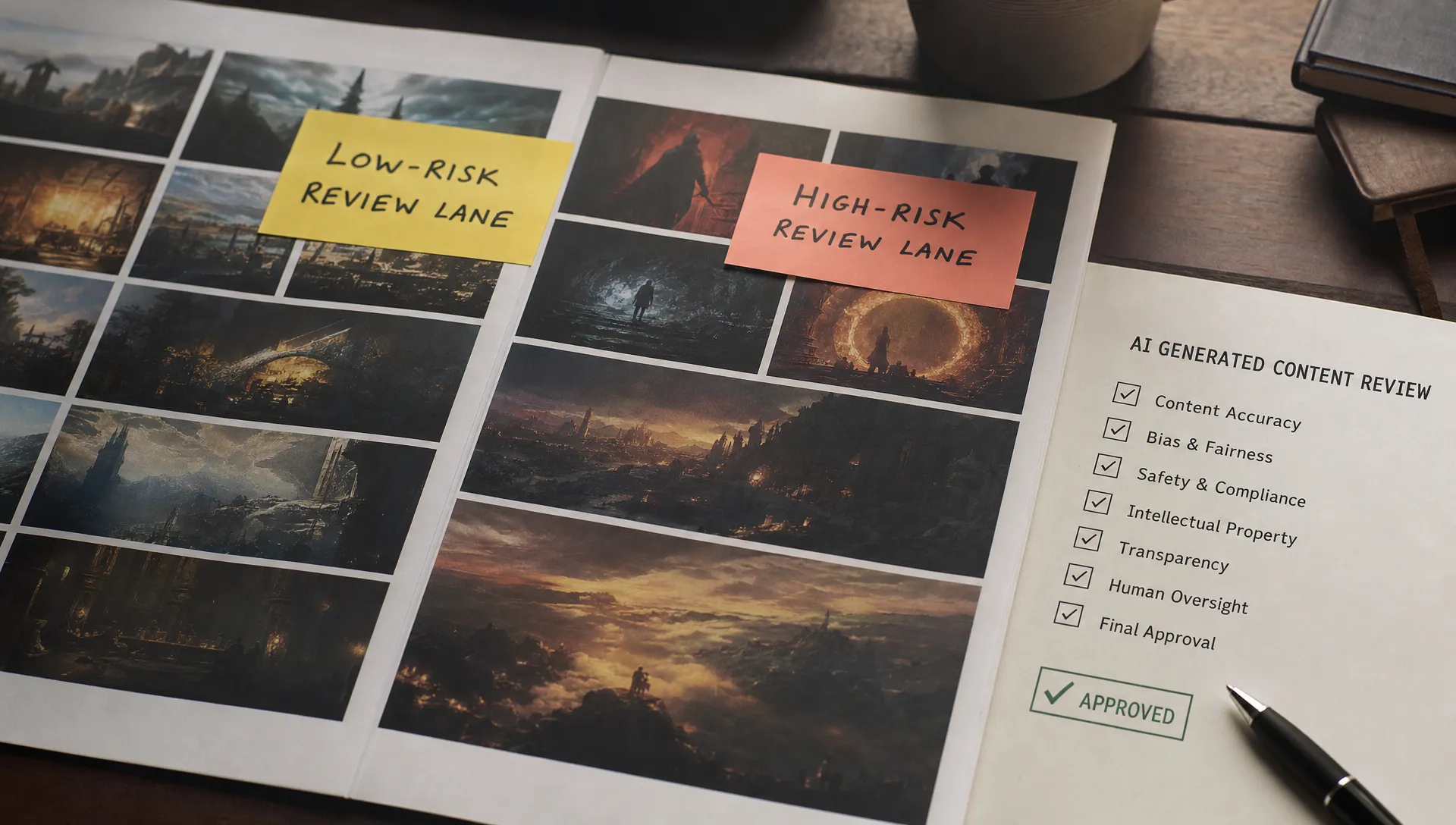
Not every AI output deserves the same review path. Many products create review burden because they apply high-risk ceremony to low-risk work, then accidentally leave high-risk work under-reviewed.
A useful review model starts with consequence, not model confidence. Confidence scores can help, but users care more about what happens if the output is wrong.
| Risk tier | Typical output | Review design |
|---|---|---|
| Low risk | Private summaries, formatting changes, internal drafts | Fast accept, undo, editable chunks, minimal friction |
| Medium risk | Shared internal analysis, customer-facing draft, product spec suggestion | Evidence panel, required scan of flagged claims, partial accept |
| High risk | External send, legal or compliance-sensitive claim, financial or safety recommendation | Explicit approval, source trace, audit trail, restricted automation |
This mirrors how serious AI governance tends to work. The NIST AI Risk Management Framework focuses on mapping, measuring, managing, and governing risk in context. Product teams should translate that idea into interface behavior. Do not make the user carry the entire policy in their head.
A simple rule: if the output can create external accountability, review should be visible and structured. If the output is reversible and private, review should be lightweight.
Make the review surface smaller
Most teams try to improve review by improving the output. Better outputs help, but they do not solve the whole problem. A strong draft can still be hard to trust if the user cannot see what changed, where it came from, or which assumptions it made.
The better pattern is to make review smaller.
Instead of presenting a full paragraph and asking for acceptance, break review into units the user can judge quickly. For a sales email, that might mean subject line, claim, personalization, offer, and call to action. For a research summary, it might mean findings, source citations, confidence, and open questions. For code assistance, it might mean changed files, tests affected, and risky lines.
GitHub Copilot works best when suggestions are close to the current code context and easy to accept or reject at a small scope. Grammarly works because many changes are atomic. Users do not approve a whole document every time. They accept or ignore individual suggestions. The principle is not specific to writing or code. It applies to any AI feature where trust is built through small judgments.
Good review surfaces often include:
- Diffs that show what AI changed from the original input
- Source snippets next to the claims they support
- Highlighted assumptions the user did not explicitly provide
- Partial accept and partial reject controls
- Targeted correction options such as make shorter, soften tone, check policy, or use source only
- A clear next state such as saved as draft, ready to send, or needs approval
This is where review burden connects to handoff design. If the product does not state the output's status, users have to infer it. That creates a fuzzy human handoff where nobody is sure whether the AI has produced a suggestion, a draft, a recommendation, or an action-ready artifact.
Do not hide uncertainty. Route it.
A common mistake is to make AI outputs look finished. Clean formatting, confident language, and a single primary button can make the experience feel smooth. They can also make review harder.
Finished-looking output forces the user to inspect for invisible problems. It creates a mismatch between presentation and reliability. Users learn to distrust the polish.
A better design makes uncertainty actionable. Not theatrical. Not full of disclaimers. Actionable.
If the AI used three sources and one source is weak, show the weak source. If the output depends on a missing field, mark that field. If a recommendation is outside the product's normal policy, flag that boundary. If the model is summarizing old customer data, show the date range.
The point is not to scare users. The point is to let them spend review attention where it matters.
This also helps teams avoid the opposite failure: overreliance. If every output looks equally complete, some users will stop reviewing at all. The healthiest pattern is selective skepticism. Users should know when to skim, when to inspect, and when to escalate.
Measure review burden directly
If you only track generation and acceptance, you will miss the problem. A user can accept an output after five minutes of painful checking. Your dashboard will call that success.
Add metrics that capture the cost of getting from output to safe use.
| Metric | What it tells you |
|---|---|
| Time from generation to accept | Whether review is eating the promised time savings |
| Edit distance after generation | Whether users are lightly correcting or rewriting |
| Partial accept rate | Whether outputs are useful in chunks even when the whole output fails |
| Source open rate | Whether users need evidence and whether evidence is discoverable |
| Regenerate without accept rate | Whether users are stuck in prompt roulette |
| Approval escalation rate | Whether users are pushing accountability elsewhere |
| Downstream reversal rate | Whether accepted outputs later get undone, corrected, or complained about |
Segment these by risk tier and job type. A long review for a high-risk external communication may be fine. A long review for a private summary is a product smell.
Also watch for hidden work outside the product. If users copy outputs into docs, Slack, email, or tickets before they can trust them, your adoption data is incomplete. Interviewing users about their after-generation routine will usually expose the real review burden in under five calls.
The decision frame: reduce judgment, not accountability
The wrong goal is to make users think less. That is how AI products get teams into trouble.
The right goal is to make users judge less irrelevant material.
When you work with AI inside a serious workflow, accountability stays human for many decisions. Product design should respect that. But the product can remove fake review work: checking obvious formatting, hunting for sources, rereading unchanged context, approving low-risk edits, or wondering what state the output is in.
Use this decision frame before adding another AI action:
| Design question | If the answer is no, expect |
|---|---|
| Can the user tell what changed? | Full rereads |
| Can the user see why the output is plausible? | Source hunting |
| Can the user accept only the useful parts? | Rewrites and abandonment |
| Can the user route risky outputs differently? | Over-review or unsafe acceptance |
| Can the user tell what happens next? | Side-channel approvals |
If you cannot answer these in the product, your users will answer them with meetings, Slack threads, policy docs, and manual review queues.
Frequently Asked Questions
What does review burden mean when you work with AI? Review burden is the extra checking, editing, approval, and source validation users must do before they can safely use an AI output. It becomes a problem when that work cancels the time saved by generation.
How do I know if my AI feature is increasing review burden? Look for long time-to-accept, high rewrite rates, repeated regeneration, copy-paste into other tools, peer approval for routine outputs, and users who say the feature is useful but not worth the effort.
Should product teams remove human review from AI workflows? Usually no. The better move is to tier review by consequence. Keep strong review for high-risk actions, but make low-risk, reversible work easy to accept, edit, and undo.
What is the first product change to try? Add a smaller acceptance unit. Let users accept one claim, paragraph, suggestion, section, or change instead of forcing them to approve the whole output at once.
Next step
If AI usage is creating more review work than confidence, do not start by tuning prompts. Map the review path. Identify what users are checking, what consequence they fear, and which parts of the output actually need judgment.
The AI Product Adoption Deck is a 104-card diagnostic playbook for product teams that have shipped AI but are seeing adoption break after launch. Its diagnostics, action cards, and workshops can help turn 'users do not trust it' into a concrete product decision.