How Teams Use AI Without Creating a New Review Queue
Give teams AI workflows that reduce handoffs, clarify approval ownership and keep drafts from becoming a new review queue.

On many teams AI drafts arrive faster than anyone can approve them. Support replies collect in Slack. Content briefs wait for a lead. Product summaries need someone to check what was omitted. Generation gets faster, but the same people still make every decision.
The symptom is a new review queue disguised as productivity. Users try the feature, then stop because getting its output accepted takes more coordination than doing the task themselves.
The fix is not to remove review. It is to keep AI inside an existing decision path, with a named owner, bounded authority and clear reasons to escalate.
Diagnose the extra handoff
Start with five recent outputs that reached actual use. Trace each from request to acceptance. Record who touched it, why they touched it and how long it waited between people.
Compare that path with the previous workflow. Was a manager already approving customer replies, or did AI introduce that approval? Did the content lead always verify claims, or are they now inspecting every draft because nobody defined what the author owns?
| Observed symptom | Likely coordination break | Decision to test |
|---|---|---|
| Every draft goes to a senior reviewer | The creator lacks clear acceptance authority | Define what the creator can approve |
| Several people check the same claim | Verification responsibilities overlap | Assign one owner for that check |
| Drafts wait without an assignee | Generation is disconnected from task ownership | Require an owner before generation |
| Low-risk edits need full approval | Review routes ignore scope and consequence | Separate routine changes from exceptions |
Give teams AI permissions only after you know who owns the final decision. Access to generation is not the same as authority to use the result.
If waiting dominates the workflow, the problem is different from slow editing. The distinction between review work and a review-queue bottleneck helps you avoid fixing the editor when the real constraint is approval routing.
Give teams AI rules that preserve decision ownership
Write a short operating rule for one task, not a company-wide statement about responsible AI. It should specify the allowed work, the acceptance owner and the condition that triggers another reviewer.
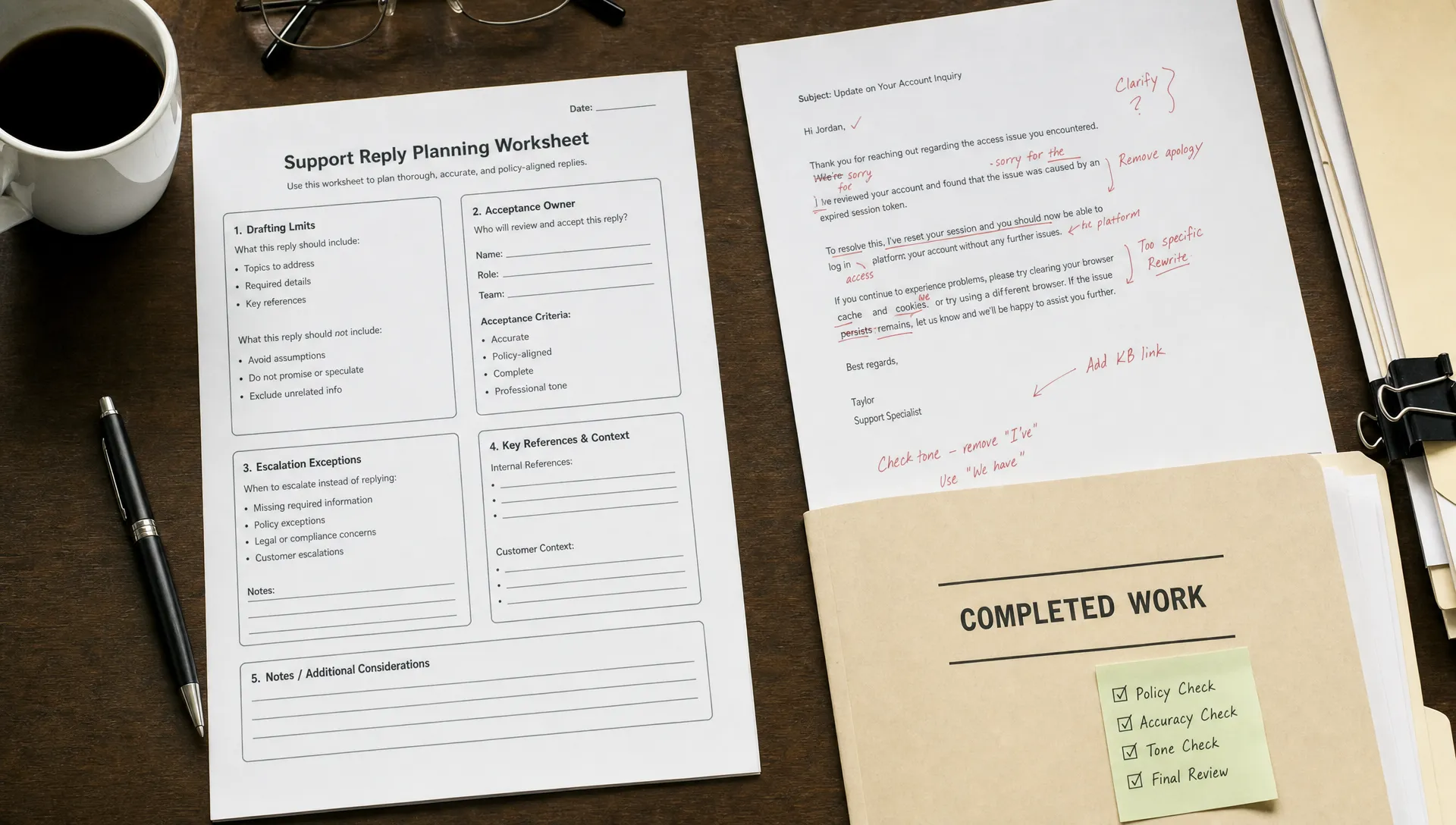
For example, an illustrative support policy could let an agent use AI to draft a reply from an approved help article. The agent still owns the reply. Refund commitments, security claims and requests outside that article follow the team's existing escalation process.
Keep the task owner responsible for acceptance
The person requesting a draft should know whether they can accept it. “Someone should check this” is not a workflow.
When independent review is required, assign that reviewer through the existing task system. Do not create a separate AI inbox with unclear ownership. Keep the draft, relevant evidence and requested decision together so the reviewer does not have to reconstruct the task.
Acceptance also needs a defined scope. “Approve this wording against the supplied policy” is narrower than “check whether this whole answer is correct.”
Escalate exceptions, not the fact that AI was used
For customer-facing teams AI use alone is too broad an escalation trigger. Route work according to what the output could change and what verification the owner can perform.
Useful triggers include an unsupported claim, a commitment beyond the owner's authority or a change that is difficult to reverse. A polished answer should not bypass those triggers. An uncertain answer should not automatically summon three reviewers either.
Separate uncertainty about wording from uncertainty about facts or authority. The owner can revise wording. A missing policy answer needs a policy owner, not another regeneration.
Put a ceiling on unfinished AI work
Unlimited generation can create unlimited obligations. A “generate ten options” action is cheap for the system but expensive for the person expected to compare them.
Tie generation to an active task. Default to the smallest output that supports the next decision: one reply, one proposed change or one summary. Allow more alternatives when the user has a reason to explore them, not because producing more looks impressive.
Set a work-in-progress limit for drafts awaiting required approval. When that limit is reached, help users finish or discard existing work before adding more. Let owners cancel stale drafts so they do not become permanent backlog.
A hypothetical capacity check makes the trade-off visible. Thirty drafts requiring six minutes of review each create three hours of review work. If the reviewer has one hour available, only ten fit, assuming no rework. Faster generation does not change that constraint.
Pilot one completed workflow, not a drafting tool
Choose a task with observable acceptance criteria and a known owner. Avoid starting with broad requests such as “help marketing produce more content.” That creates outputs before the team has decided how they become usable work.
An SEO workflow makes the distinction concrete. Uses such as AI-supported keyword research and content optimization cover several activities, but each needs a different acceptance decision. Grouping existing keywords into a draft brief is not the same responsibility as approving factual claims for publication.
A bounded pilot might produce one brief from an approved keyword set. The content owner checks search intent and scope within the existing brief approval. Unsupported claims return to the author with a specific correction request. Generating the brief should not automatically create article drafts that nobody requested.
Test the full path: request, draft, correction, acceptance and use. Keep any required editorial or compliance review. The goal is to avoid adding a second review just because the draft came from AI.
Give teams AI support for a bounded decision before expanding to adjacent tasks. Expand only when completed work increases without pushing extra coordination onto downstream owners.
Measure finished work and total human effort
Generation counts cannot tell you whether this operating model works. Neither can approval speed alone. Fast approval might mean users are accepting unchecked work, while slow approval might reflect an intentional control for consequential decisions.
Compare similar tasks before and during the pilot. Track elapsed time to accepted use separately from total human effort across contributors.
| Measure | What it helps diagnose |
|---|---|
| Accepted, used outputs per period | Whether more work actually gets finished |
| Human minutes per completed task | Whether effort moved from drafting to review |
| Waiting time before acceptance | Whether routing or capacity is the constraint |
| Distinct reviewers per task | Whether AI added coordination overhead |
| Reopened tasks after acceptance | Whether faster throughput hides unresolved errors |
Also ask why users abandon drafts. “The output was wrong” calls for a different response from “I could not get anyone to approve it.” Both can look like low feature retention in an analytics dashboard.
Keep a route for reporting errors discovered after acceptance. Fewer reviewers is not a success if consequential mistakes simply become harder to notice.
Frequently asked questions
Should every AI output receive human review? Match review to the task's consequences and applicable requirements. A private draft and a customer-facing commitment need different controls. Preserve mandatory review, but define who performs it and what they must check.
Can a small team manage this without a dedicated reviewer? Yes, where independent review is not required. For small teams AI can remain part of the task owner's workflow, with specific exceptions sent to an appropriate second person.
What if reviewers still need to rewrite everything? Stop increasing output volume. Inspect whether the task scope, source material or acceptance criteria are wrong. A queue policy cannot rescue drafts that require complete reconstruction.
Choose one workflow to fix this week
Take one task and write three rules: who can accept it, what requires escalation and how much unfinished work the team will allow. Test those rules on the next small batch of real tasks.
If you need help identifying the break, use the free Triage tool. To go deeper, the AI Product Adoption Deck provides 12 diagnostics, 80 action cards and 12 workshops with fillable deliverables. Use it to turn the symptom into a concrete workflow decision, not another discussion about AI adoption.