What AI Error Messages Should Say After a Bad Result
Learn what AI error messages should say after a bad result, with copy patterns that repair trust, guide retries and protect retention.
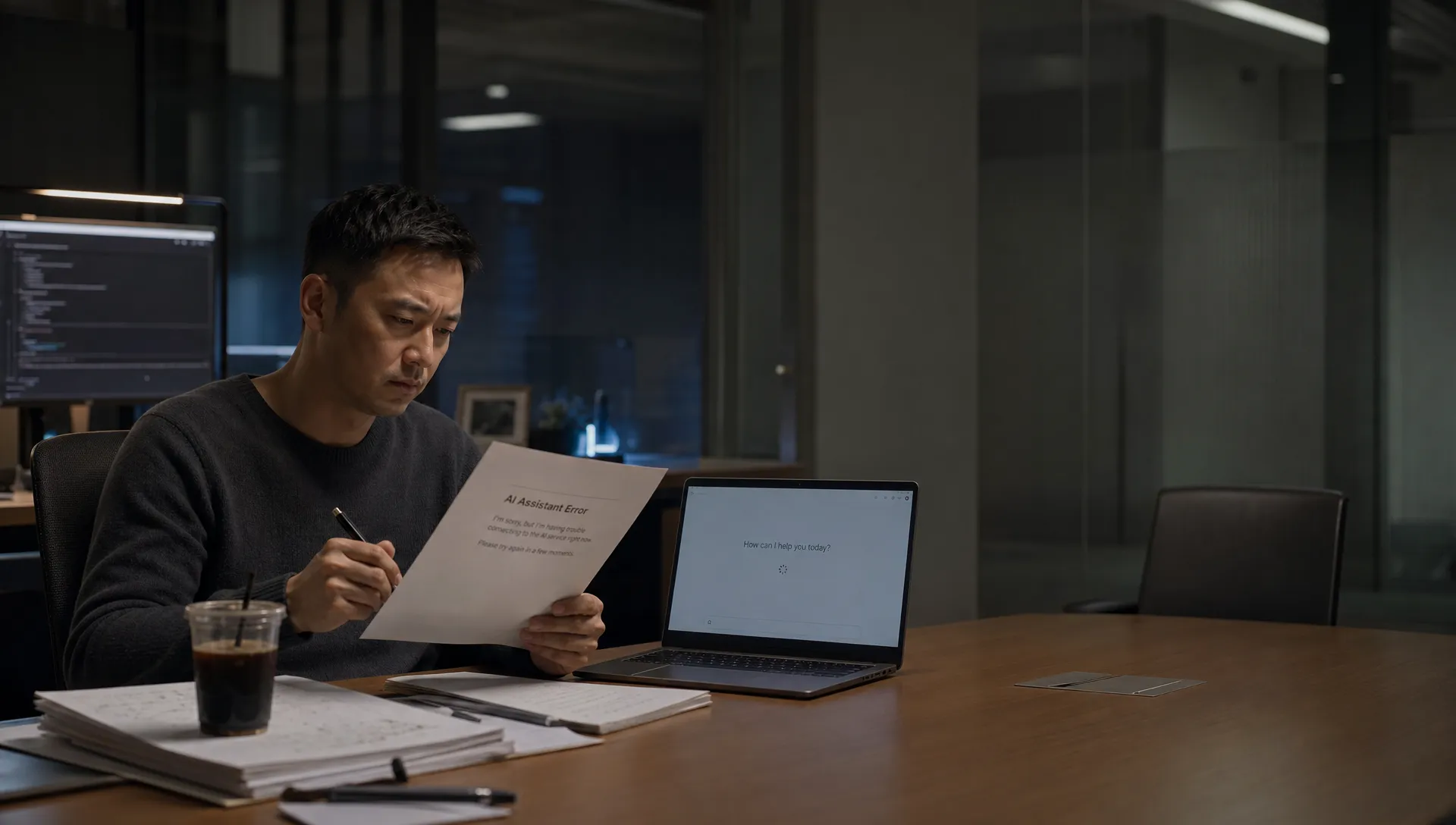
A user asks your AI feature for something useful. It returns the wrong answer, a vague draft, a risky suggestion or a confident summary that misses the point. Then the interface says, “Something went wrong. Try again.”
That message treats a bad result like an outage. It is not. The model responded, the workflow broke and the user now has to decide whether fixing it is worth the risk. For AI product adoption, the error message after a bad result is part of the product surface, not a support afterthought.
Bad AI results do not only create friction. They teach users what kind of failure to expect next time. If the product gives them no way to inspect, repair or continue, many will not retry. They will paste the task into another tool, do the work manually or avoid the feature in higher-stakes moments.
What AI error messages should say after a bad result
Good AI error copy has one job: restore the user’s next move.
Classic error-message guidance from Nielsen Norman Group still applies. Messages should be clear, constructive and specific. AI adds another requirement. The message must explain the failure without pretending the product knows more than it does.
After a bad result, the user is asking three practical questions:
- Can I fix this quickly?
- Can I trust the next result more than this one?
- Is my work still safe to use?
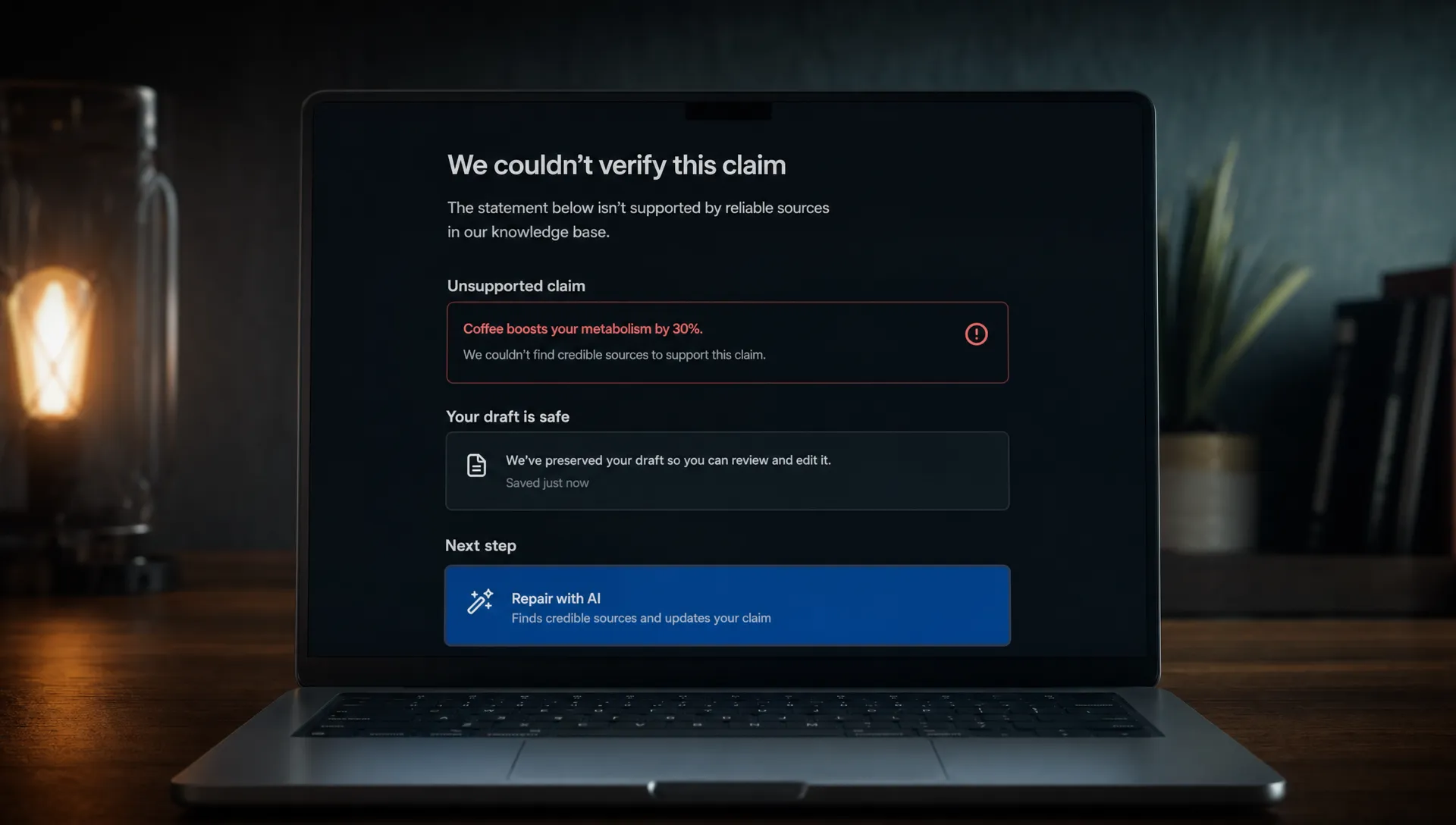
The message does not need a long apology. It needs a diagnosis, a boundary and a repair path. That is the difference between “Sorry, try again” and “I could not find enough source text to support this summary. Add a document, select a narrower section or review the highlighted unsupported claims.”
First diagnose the failure mode, then write the copy
Most teams write one generic fallback message for every bad output. That is why the message feels useless. A hallucinated answer, a missing-context answer and an overbroad prompt are different product problems.
Use the session behavior to classify the failure before writing the error state.
| What the user sees | Likely failure mode | What the message should say | Product response |
|---|---|---|---|
| Output is fluent but wrong | Unsupported generation | What evidence is missing or uncertain | Show sources, confidence cues or unsupported spans |
| Output is too generic | Task not framed tightly enough | What input is too broad | Offer a narrower task choice |
| Output ignores format | Constraint handling failed | Which constraint was missed | Let the user reapply format without restarting |
| Output conflicts with known data | Source conflict | Which inputs disagree | Ask the user to choose the source of truth |
| Output is incomplete | Context limit or missing data | What could not be processed | Preserve partial output and request the missing piece |
| Output is unsafe to act on | Risk boundary | Why the product will not proceed | Offer a safer review or approval step |
This is also why a single bad answer can damage an otherwise useful workflow. If the product cannot explain what kind of failure happened, the user has to assume the failure might happen anywhere. That trust pattern is covered more deeply in why one bad AI answer can ruin a good workflow.
The four jobs of a useful AI error message
An AI error message is not just copy. It is a small recovery flow. The copy should match the product decision behind it.
Name the failure in user language
Do not say “The model failed to generate a valid response.” That describes your system, not the user’s problem.
Say what broke in the workflow: “The summary includes claims I could not verify in the selected documents.” Or: “This draft does not follow the legal review format you chose.”
The distinction matters. “Invalid response” gives the user no useful action. “Unverified claims” tells them what to inspect.
Say who can fix it
AI failures often feel ownerless. The user does not know whether they prompted badly, the product lacked context or the AI invented something.
A useful message assigns the next step without blame. For example: “I need the customer’s latest contract to answer this accurately” is better than “Please provide more context.” It tells the user what context matters.
If the product caused the failure, own it plainly: “I could not apply the requested format. Your draft is unchanged.” That protects confidence because the user knows the product did not silently damage their work.
Offer one repair action
Do not show five buttons after a bad result. “Regenerate,” “Edit prompt,” “Add context,” “Change tone” and “Start over” may all be useful in theory. In practice, the user now has to debug your product.
Pick the highest-probability repair action. If the issue is missing context, ask for context. If the issue is source conflict, ask the user to choose a source. If the issue is format drift, offer “Reapply format” rather than a full retry.
This is one of the places where AI onboarding strategies and error handling overlap. The user is learning how to get a better result at the exact moment they are most likely to leave.
Preserve progress and make the output inspectable
A bad result should not erase the user’s work. Keep the prompt, selected context, partial output and edit history available when it is safe to do so.
The user may want to salvage part of the output. They may also want to understand what went wrong. If the product hides everything behind “Try again,” it removes the evidence they need to decide whether the next result is worth trusting.
Copy patterns you can adapt by product surface
The right message depends on the job. A writing assistant should not fail the same way as a coding copilot or research tool.
| Product surface | Weak message | Better message | Why it works |
|---|---|---|---|
| Writing assistant like Grammarly or Notion AI | “Could not improve this text.” | “I could not match the requested tone because the audience is not clear. Choose executive, customer or internal team.” | It turns vague failure into a tone decision |
| Coding assistant like GitHub Copilot or Cursor | “Suggestion failed.” | “This suggestion may not compile because the selected file does not include the required type definitions.” | It points to the dependency, not the model |
| Research assistant like Perplexity | “Answer may be inaccurate.” | “I found conflicting information across sources. Review the highlighted claims before using this answer.” | It gives the user an inspection task |
| Sales or CRM copilot | “Unable to update record.” | “I can draft this update, but I cannot save it because the account stage is missing.” | It separates generation from action |
| Analytics assistant | “Query failed.” | “I could not answer because ‘active user’ is not defined for this workspace. Choose a metric definition.” | It reveals the hidden ambiguity |
Notice the pattern. The better message does not overexplain the model. It tells the user which product decision is blocked.
What not to say after a bad AI result
“Try again” is rarely enough. It can work after a network timeout. It does not work after an answer that looked plausible but was wrong.
Avoid messages that shift all repair work to the user: “Refine your prompt,” “Ask in a different way” or “Provide more detail.” Sometimes those are true, but they are not useful unless the product says which detail matters.
Also avoid false confidence. “This answer may not be perfect” is too soft when the product has detected a real issue. If a claim lacks support, say that. If the product cannot complete an action, say what action is blocked. If the output is safe to edit but not safe to send, separate those states.
The worst pattern is apologetic vagueness: “Sorry, I made a mistake.” It sounds human but gives the user no operational path. In AI product management, recovery copy should reduce uncertainty, not perform remorse.
Instrument the message, not just the model
Teams often track model error rates but ignore whether the recovery flow works. That misses the adoption problem.
If users see a bad result and then leave, the error message failed. If they repair the input, accept the revised output and come back next week, the product recovered.
Track the error state as its own funnel.
| Metric | What it tells you |
|---|---|
| Bad-result flag rate | How often users or systems identify output failure |
| Repair action click rate | Whether the message gives a usable next step |
| Successful result after repair | Whether the recommended action improves output |
| Edit after repair | Whether users still need heavy cleanup |
| Return usage after failure | Whether the experience protects AI user retention |
This is where diagnostic work beats generic AI product tactics. If your main drop-off happens after unsupported answers, better onboarding will not fix it. If users never click the repair action, the message is probably too vague or the next step feels expensive.
For teams trying to classify the symptom before changing the product, the free AI adoption triage tool can help separate trust, correction loop, onboarding and retention issues.
Frequently Asked Questions
Should an AI error message apologize? A short apology is fine, but it should not be the main content. The useful part is the diagnosis and repair path. “Sorry, I could not verify these claims. Review the highlighted sources before using this” is stronger than “Sorry, something went wrong.”
Should we always show the bad output? No. Show it when inspection helps and risk is manageable. Hide or block it when the output could cause harm, leak sensitive information or trigger an unsafe action. In lower-risk workflows, preserving the bad output can help users repair it faster.
Is “regenerate” a good recovery action? Only when the likely issue is sampling variance. If the result failed because context was missing, the prompt was ambiguous or sources conflicted, regeneration repeats the same product problem.
How specific should the message be? Specific enough for the user to know what to do next. You do not need to expose model internals. You do need to say whether the problem is missing context, unsupported claims, conflicting data, format failure or a blocked action.
Next step
Review the last 25 sessions where users abandoned the feature after a bad result. Do not start by rewriting all the copy. Tag the failure mode first, then write one message and one repair action for each recurring pattern.
If you want a more structured way to do that work, the AI Product Adoption Deck includes 12 diagnostics, 80 action cards and workshop templates for turning adoption symptoms into concrete product decisions, copy changes, experiments and specs.