How to Run an AI Workshop Around a Broken User Flow
Run an AI workshop that diagnoses broken user flows, maps adoption failures, and turns real sessions into focused product decisions.

The symptom usually shows up like this: users enter the AI flow, generate something, pause, then leave. Or they copy the output into another tool and never come back. Or they try three prompts, get one decent result, and still do the work manually.
That is not a “we need better AI” problem yet. It is a broken user flow problem.
A useful AI workshop does not start with blue-sky ideas. It starts with the exact moment where adoption breaks. The goal is not to invent ten AI features. The goal is to decide what to change in the flow so users can move from intent to applied value without losing trust, control, or momentum.
What the AI workshop is actually for
Most workshops around AI features go soft because the problem is framed too broadly. “How do we improve the AI experience?” invites opinions. “Why do users abandon the draft after generation?” forces evidence.
For a shipped AI product, the workshop should produce one of four outcomes:
- A clearer diagnosis of where the flow breaks
- A product change that reduces friction or uncertainty
- A copy or UX change that sets better expectations
- An experiment spec with the right success metric
If you leave with a list of possible improvements but no decision, the workshop failed. AI adoption problems rarely need more ideas. They need sharper sequencing.
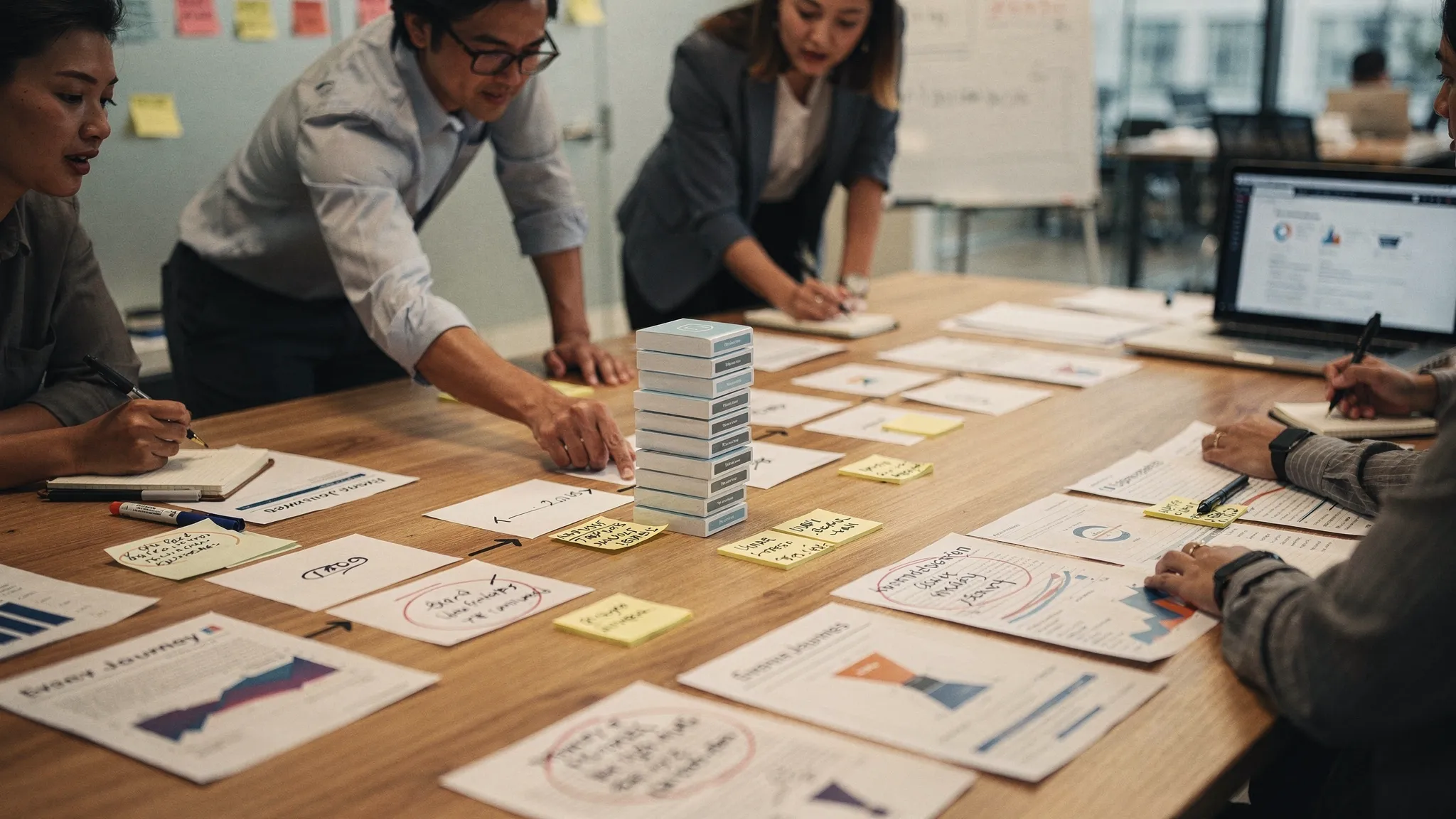
Start by naming the broken behavior
Do this before anyone enters the room.
Pick one user flow. Not the whole product. Not the whole onboarding experience. One flow where AI is supposed to help a user complete a job.
Examples:
- A marketer asks the AI to draft a campaign brief, but never exports or edits it
- A developer accepts a first code suggestion, then disables the assistant after a bad follow-up
- A support manager generates a summary, but still reads the full transcript manually
- A salesperson uses AI to draft an email, but rewrites the entire thing before sending
Then write the intended behavior in plain language.
“After generating a support summary, the user should trust it enough to paste it into the ticket note with minor edits.”
That sentence matters. It defines the adoption bar. You are not measuring whether the user clicked “generate.” You are measuring whether the AI output became part of the work.
Bring evidence, not vibes
The workshop should use real artifacts. Otherwise the loudest person wins.
Bring a small evidence pack:
- Five to ten session recordings or event traces from the broken flow
- Three examples of abandoned AI outputs
- Three examples of accepted or applied AI outputs
- Support tickets, sales notes, or user interview quotes about the flow
- Funnel metrics for each step in the flow
- Current UI copy, empty states, prompts, and handoff points
If the flow depends on email verification, signup testing, or agent-driven email handling, automate that setup instead of wasting workshop time on manual QA. Tools like programmable temp inboxes for AI agents and QA flows can help teams create disposable inboxes and inspect received emails as structured data when testing these paths.
The evidence pack should be small enough to review in the room. You are not building a research repository. You are giving the team shared facts.
Use a tight agenda
A broken AI flow workshop should usually take 90 to 120 minutes. Longer sessions tend to drift into roadmap debate.
| Time | Activity | Output |
|---|---|---|
| 0 to 10 min | State the intended behavior and current symptom | One agreed adoption problem |
| 10 to 25 min | Walk through the observed user flow | A step-by-step map of what users actually do |
| 25 to 45 min | Review abandoned and applied outputs | Pattern notes on trust, effort, and handoff |
| 45 to 65 min | Classify the break | One primary failure mode |
| 65 to 90 min | Choose one product response | Experiment, copy change, or spec decision |
| 90 to 120 min | Define measurement and owner | Success metric, deadline, and responsible person |
Keep the agenda visible. If the discussion turns into model architecture, park it. If someone says “the output just needs to be better,” ask where in the flow users learned that it was not good enough.
Map the observed flow, not the designed flow
Product teams often workshop the flow they intended to ship. Users are in a different flow.
The designed flow might be:
User opens feature, enters prompt, reviews output, edits output, applies output, returns next week.
The observed flow might be:
User opens feature, stares at blank prompt box, uses a vague prompt, gets generic output, opens another tab, copies part of the output, rewrites it manually, never clicks save.
That gap is the workshop.
For each step, ask three questions:
- What does the user need to believe before moving forward?
- What effort are we asking them to spend?
- What proof do they have that the output is safe to use?
AI flows break when any of those questions are unanswered. A user may understand the feature and still avoid using the output. That is common. The issue is often not discoverability. It is confidence.
Classify the break before prescribing the fix
Do not jump from symptom to solution. A low apply rate can mean the prompt is too hard, the output is too risky, the editor is weak, or the handoff is awkward.
Use a simple diagnostic table in the workshop.
| Symptom | Likely break | Product response |
|---|---|---|
| Users open the feature but do not start | Trigger or task framing | Add task-specific entry points and examples |
| Users start, then revise the prompt repeatedly | Prompt burden | Replace blank input with guided choices |
| Users generate output but do not use it | Trust gap | Add sources, assumptions, confidence cues, or review steps |
| Users copy output elsewhere to edit | Control gap | Add in-place editing, versioning, or structured controls |
| Users apply once but do not return | Weak habit loop | Tie the feature to a recurring workflow trigger |
| Users overuse output without review | Overreliance | Add risk states, warnings, or mandatory verification |
This is where an AI workshop becomes useful. The team stops arguing about whether the model is “good” and starts naming the adoption break.
A weak output can be a model issue. But in many shipped products, the model is good enough for some use cases and still fails because the product asks users to trust it too early, prompt it too broadly, or apply it without inspection.
Turn the diagnosis into one decision
The workshop should end with one decision, not a theme.
Bad ending: “We need to improve trust.”
Good ending: “For generated account summaries, we will show the source snippets beside each claim and measure whether summary paste rate increases among weekly support users.”
The decision should include:
- The user segment affected
- The exact step being changed
- The product change or copy change
- The behavior expected to improve
- The metric that will prove it
Avoid giant redesigns unless the flow is structurally wrong. Most teams learn faster by changing one high-friction moment. Add a guided input. Add a verification panel. Move the AI action closer to the work object. Change the default output shape. Add an edit path that does not force users into another tool.
Watch for fake alignment
AI workshops often create a false sense of agreement. Everyone nods at “trust,” “quality,” and “better onboarding.” Those words are too broad to be useful.
Force sharper language.
Instead of “users do not trust the AI,” write: “Users do not know which source the recommendation is based on, so they read the original document before using it.”
Instead of “the prompt experience is confusing,” write: “New users do not know what level of detail to provide, so they submit vague prompts and receive generic output.”
Instead of “retention is weak,” write: “Users get value during setup, but there is no recurring trigger that brings them back during their weekly planning workflow.”
Specific language makes product work possible. Vague language creates roadmap fog.
Assign roles in the room
Do not run this as an open brainstorm. Give people jobs.
The PM should own the behavior definition and decision. Design should own the flow map and UX constraints. Engineering should flag feasibility and instrumentation gaps. Research, support, or sales should bring user evidence. Data should keep the team honest about event definitions and cohort quality.
If executives attend, give them a constraint: they can ask questions during diagnosis, but they do not pitch solutions until the break is classified. This protects the workshop from becoming a priority negotiation.
Measure applied value, not workshop enthusiasm
The follow-up matters more than the meeting.
Within 48 hours, send a short decision note with the diagnosis, selected change, metric, owner, and ship date. If it cannot be summarized in one page, the workshop did not converge.
Then measure the behavior closest to applied value. For AI products, that is usually not generation count.
Better metrics include:
- Output accepted, inserted, exported, saved, or sent
- Output edited in product instead of abandoned
- Time from generation to applied use
- Repeat use in the same recurring workflow
- Manual fallback rate after AI output
- Verification actions before acceptance
The right metric depends on the diagnosis. If the issue is prompt paralysis, measure starts and completed generations. If the issue is trust, measure applied outputs after adding verification. If the issue is habit, measure repeat use tied to the recurring job.
A simple workshop template
Use this structure when you need to move fast.
| Prompt | Answer |
|---|---|
| What flow is broken? | Name one flow and user segment |
| What should the user do? | Define the intended applied behavior |
| Where do users stop or detour? | Identify the observed break point |
| What evidence supports this? | List sessions, outputs, metrics, quotes |
| What type of break is it? | Trigger, input, trust, control, handoff, or habit |
| What will we change? | Pick one product, copy, or workflow intervention |
| How will we know it worked? | Choose one primary behavior metric |
This is intentionally plain. The value is not in a fancy canvas. The value is forcing the team to diagnose before designing.
Frequently Asked Questions
How many people should join an AI workshop? Keep it to five to eight people. You need product, design, engineering, data, and someone close to users. Larger groups slow down diagnosis and drift into opinions.
Should we include model performance data? Yes, but only if it explains user behavior in the flow. Accuracy, latency, and failure rates matter when they affect trust, control, or completion. Do not let offline model metrics replace product evidence.
What is the best length for an AI workshop? Ninety minutes is enough for a focused flow. Use two hours if the flow crosses multiple surfaces, such as onboarding, generation, editing, and handoff.
What should the workshop produce? It should produce a diagnosis, one selected intervention, a success metric, and an owner. If the output is a list of ideas, the workshop is unfinished.
When should we run this workshop? Run it when users try the AI feature but fail to turn output into repeated work. That includes high first-click rates, low apply rates, heavy manual rewrites, low second-week retention, or frequent trust complaints.
Make the workshop repeatable
A good AI workshop is not a creativity session. It is a diagnostic operating rhythm for shipped AI features.
Pick the broken flow. Bring real evidence. Classify the adoption break. Ship one response. Measure applied value.
If you want a more structured way to do this across multiple AI adoption problems, the AI Product Adoption Deck includes 12 diagnostics, 80 action cards, and 12 workshops with fillable deliverable templates. It is built for the moments where an AI feature has shipped, but users are not yet coming back to it.